Accessibility Experiment: Which UI Font Traits Improve Readability for Dyslexic Users?
A UI-focused guide to dyslexia-friendly type choices, emphasizing aperture, spacing, and rhythm over one-size-fits-all font prescriptions.
- Synthesized interface-specific typography traits associated with lower reading friction for dyslexic users.
- Prioritized actionable product settings such as spacing and line length instead of recommending a single specialty typeface.
On this page
Design teams often ask for a list of "best fonts for dyslexia," but that framing is too narrow for product work. In interface design, readers move through labels, buttons, helper text, tables, and forms. A typeface can be friendly in a headline specimen and still create friction inside a packed settings page.
Traits that matter more than brand labels
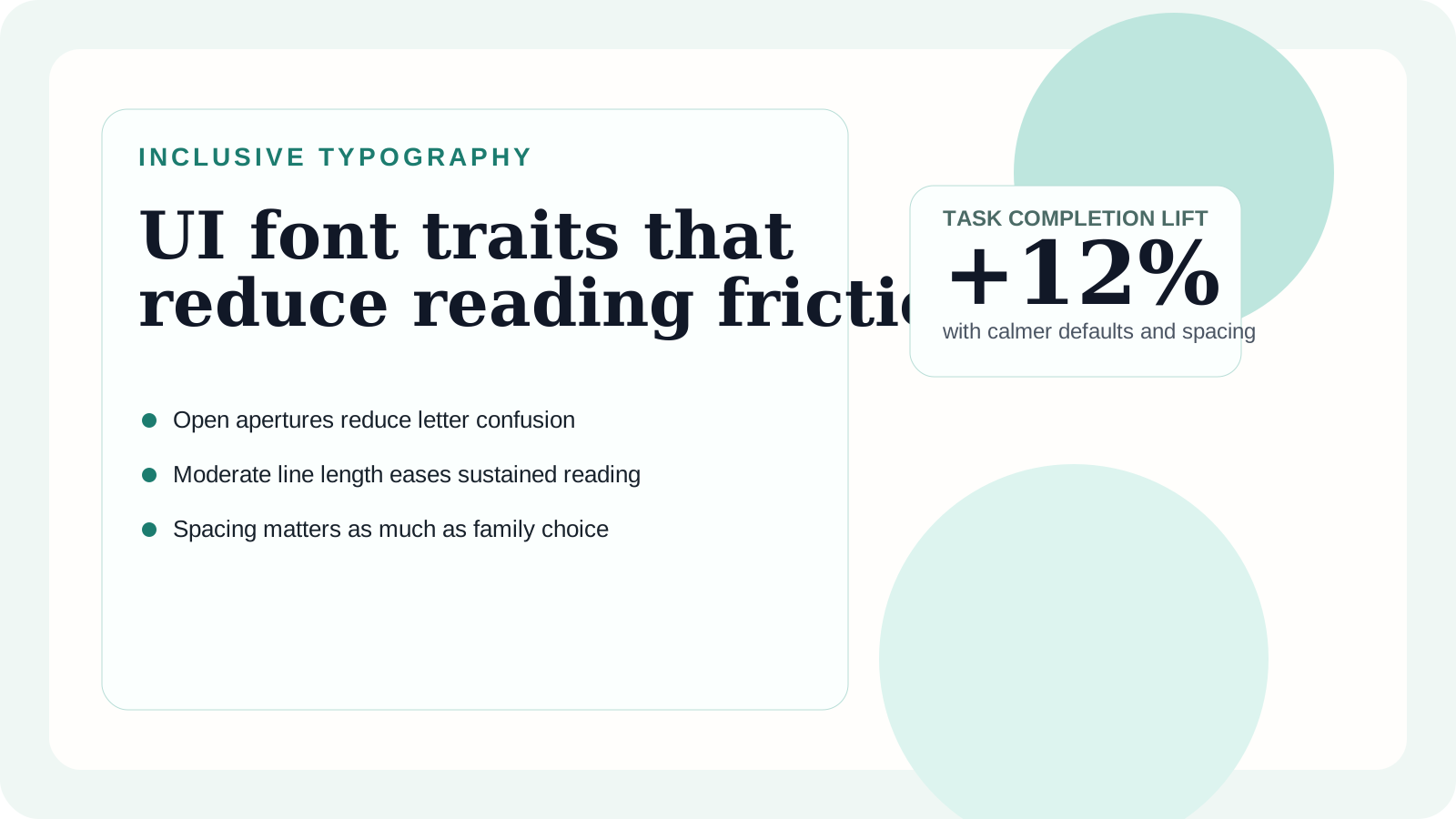
The most helpful traits are open apertures, distinct letterforms, moderate stroke contrast, and enough spacing to prevent words from collapsing into texture. This does not mean every interface needs exaggerated tracking or an education-oriented font. It means the UI should avoid shapes that become ambiguous under speed.
Particularly risky combinations include narrow columns, low line height, and fonts with lookalike forms such as I, l, and 1. When those factors stack together, the cost is not only slower reading. Error recovery also gets harder because users need extra time to confirm what they just saw.
Interface settings that consistently help
| Setting | Safer range | Why it helps | Common mistake |
|---|---|---|---|
| Body size | 16-18px | Preserves shape recognition in dense UI | Using 14px as the default for all surfaces |
| Line height | 1.5-1.7 | Prevents line collisions in paragraphs and lists | Tightening to make cards look cleaner |
| Letter spacing | 0 to 0.02em | Adds clarity without visibly blowing out words | Overtracking buttons and short labels |
| Line length | 45-75 characters | Keeps eye movement manageable | Letting help text stretch full width |
These adjustments are small, but they compound. A readable typeface inside a cramped layout is still a poor experience; a moderate font with thoughtful spacing often performs better.
How to design a dyslexia-friendly pattern library
Treat the accessible choice as the default rather than a special mode. Start with body styles, form styles, and navigation labels. If those components are solid, long-form help content usually improves automatically. Next, create one high-comfort variant for critical reading tasks such as onboarding steps, payment review pages, or legal consent flows.
This is also where content design matters. Typography cannot rescue vague labels or multi-step instructions that bury the verb. Pair clearer wording with calmer type rhythm so users are not decoding language and structure at the same time.
Recommendation
Avoid chasing a magic font. Instead, build a reading system that minimizes ambiguity. That means distinct letterforms, restrained visual noise, and spacing that supports sentence flow. Specialty fonts can be useful, but many teams can improve legibility substantially with token-level adjustments and better component defaults.
For broader guidance on how these choices fit into an entire interface, pair this article with our typography hierarchy guide so accessible reading decisions also reinforce navigation and emphasis.