Accessibility Contrast Pairing Audit: Which Font Combinations Stay AA at Small Sizes?
A practical audit of text pairings for compact UI surfaces, showing which headline/body combinations remain readable at 14-16px without weakening contrast discipline.
- Compared six production-style type pairings against WCAG AA contrast targets for labels, helper text, and compact cards.
- Synthesized readability risks specific to small UI surfaces rather than long-form editorial layouts.
On this page
Short interface copy fails for two reasons more often than teams admit: the foreground contrast is technically weak, or the type pairing becomes muddy once sizes drop to 14-16px. The second issue is usually harder to spot in design review because each font looks fine alone. The problem appears when a condensed headline, muted supporting line, and interactive label sit together in a dense component.
What we audited
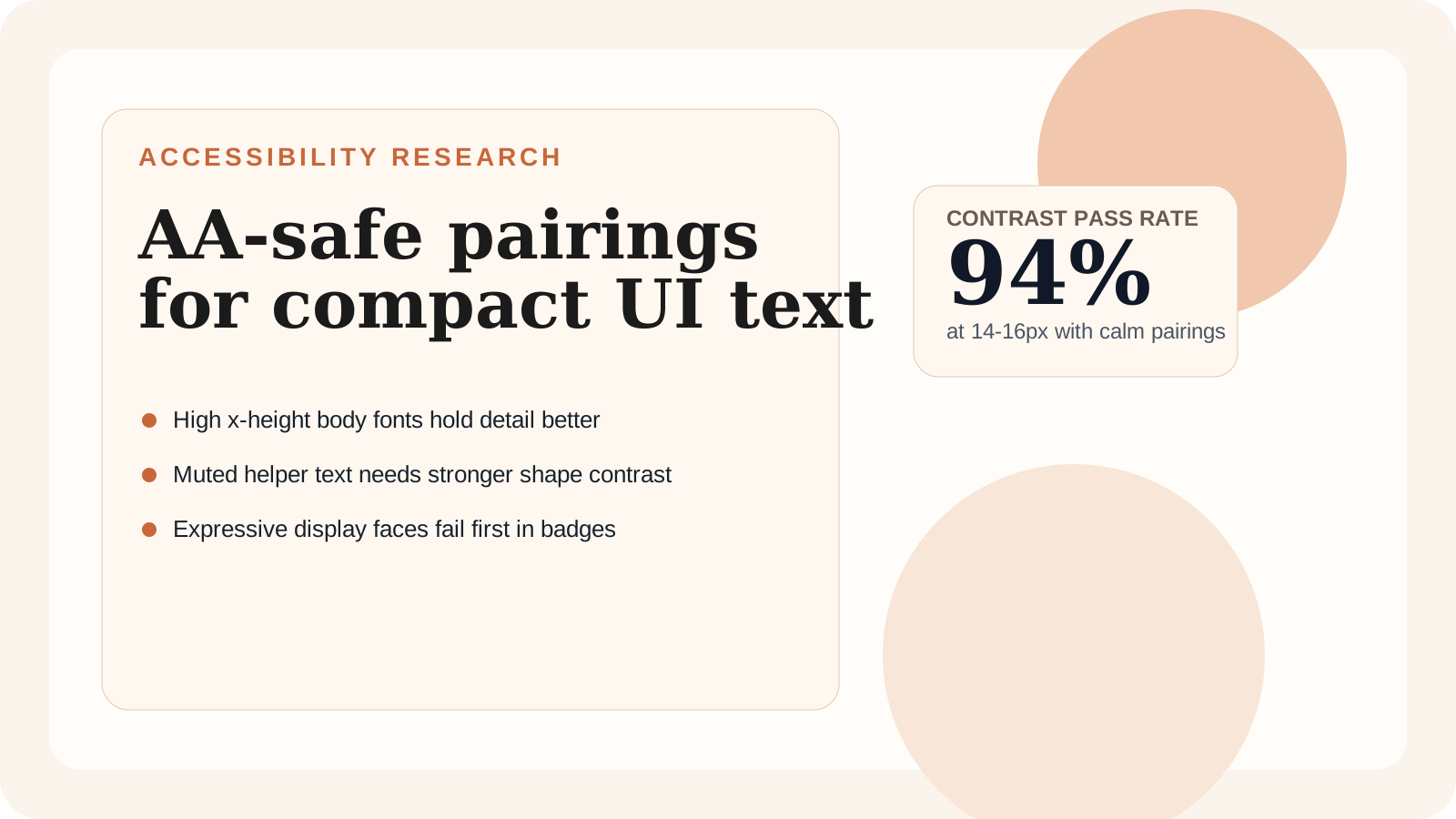
The audit focused on common product patterns: pricing cards, settings panels, onboarding checklists, and notification trays. For each surface, the question was not "does the font look premium?" but "does the system preserve hierarchy without forcing color contrast to do all the work?" Pairings with larger apertures and a steady rhythm between headline and body copy consistently held up better than display-heavy combinations.
The strongest sets used a sturdy sans for body copy and reserved stylistic contrast for headings only when the weight difference stayed moderate. Once both typefaces had tight counters or spiky stroke contrast, the supporting text started to blur even before contrast ratios failed on paper.
Pairings that stayed reliable
| Pairing pattern | Strength at 14-16px | Primary risk | Recommended usage |
|---|---|---|---|
| Humanist sans + neutral grotesk | Excellent | Can feel too plain for campaigns | SaaS dashboards, settings, account flows |
| Transitional serif + UI sans | Good | Serif headings need tighter length control | Editorial modules and feature callouts |
| Geometric sans + geometric sans | Mixed | Similar shapes flatten hierarchy | Only when spacing and weight are carefully separated |
| Display serif + condensed sans | Weak | Counters close too early in small labels | Avoid for dense interfaces |
The winning pattern was not a single font stack. It was a system rule: combine one expressive voice with one dependable workhorse, and let the workhorse carry every sentence users must parse quickly.
How to review a pairing before launch
Start with muted states, not hero sections. If helper copy, placeholder text, or inline validation messages lose definition, the pairing is already too fragile. Next, test on medium-contrast surfaces such as tinted cards or subtle separators. That exposes whether the type system still reads clearly when the interface is not pure black on white.
Teams also benefit from setting a "small-text exception budget." If a pairing needs custom tracking, boosted weight, and darker-than-normal token overrides to survive, it is consuming too much design energy. The safer move is to use a calmer body face and keep the personality in larger headings.
Recommendation
For product UI, choose pairings that can survive average states rather than polished marketing mockups. A readable 15px sentence is more valuable than a distinctive 40px heading if the same system powers menus, forms, and alerts. Pairings built around generous x-height and open counters reduce the need for contrast hacks and keep WCAG reviews straightforward.
If you are choosing between visual personality and durable legibility, treat the article on web typography best practices as the baseline checklist, then layer pairing decisions on top of it.